Accessible eLearning Design: Build Inclusive Training That Improves Engagement and Completion
Accessibility Is More Than Compliance
Modern organizations are training increasingly diverse and global workforces. This includes employees with visual impairments, hearing loss, cognitive differences, and language barriers. According to the World Health Organization, more than 1.3 billion people worldwide live with some form of disability, representing about 16% of the global population.
Accessibility in eLearning is often framed as a compliance requirement tied to standards like World Wide Web Consortium WCAG or the Americans with Disabilities Act (ADA). In practice, it is much broader. It is about ensuring every learner can access, understand, and complete training effectively.
Learning platforms like DigitalChalk are designed to support accessible training experiences. The platform provides tools, structure, and technical compliance. However, accessibility outcomes depend on how those tools are used.
Accessibility Starts at Design
Accessibility is most effective when it is built into the product from the beginning. DigitalChalk follows a design-first approach that aligns with modern software practices. Instead of treating accessibility as a final audit step, it is considered during feature development and user interface updates.
This approach mirrors how organizations handle security today. Issues are identified earlier in the development lifecycle, reducing the need for rework and improving consistency across the platform.
DigitalChalk reinforces this with ongoing testing using tools like WAVE and NVDA to evaluate accessibility during development – not after release.
Accessibility Testing Requires More Than Automation
Automated accessibility testing tools are valuable, but they are not complete solutions. According to research from WebAIM, automated tools detect only about 30-40% of accessibility issues, leaving the majority to be identified through manual review.
Effective accessibility programs treat WCAG conformance like any other quality standard. Testing becomes part of the release process, and failures can block deployment until resolved.
This combination of automation and human review ensures accessibility is not only technically compliant but also usable in real-world scenarios.
Platform vs. Content Accessibility
One of the most important distinctions in eLearning accessibility is the difference between platform accessibility and content accessibility.
DigitalChalk supports WCAG 2.0 and 2.1 Level AA standards, along with Section 508 and ADA compliance requirements. https://www.talentedlearning.com/lms-reviews/digitalchalk
However, accessibility often breaks at the content level.
A course creator can upload:
- A video without captions
- A PDF that is not tagged for screen readers
- Slides without alternative text
In these cases, the platform remains compliant, but the learning experience is not.
The reality is simple: The platform makes accessible learning possible, but content creators are responsible for making it real.
What Makes eLearning Accessible
Accessible eLearning is built on four core principles defined by the World Wide Web Consortium:
- Perceivable content that can be seen or heard in multiple ways
- Operable interfaces that work with keyboards and assistive tools
- Understandable content that is clear and predictable
- Robust delivery that works across devices and technologies
👉 https://www.w3.org/WAI/standards-guidelines/wcag/
Core Accessibility Features in a Modern LMS
Captioning and Transcription
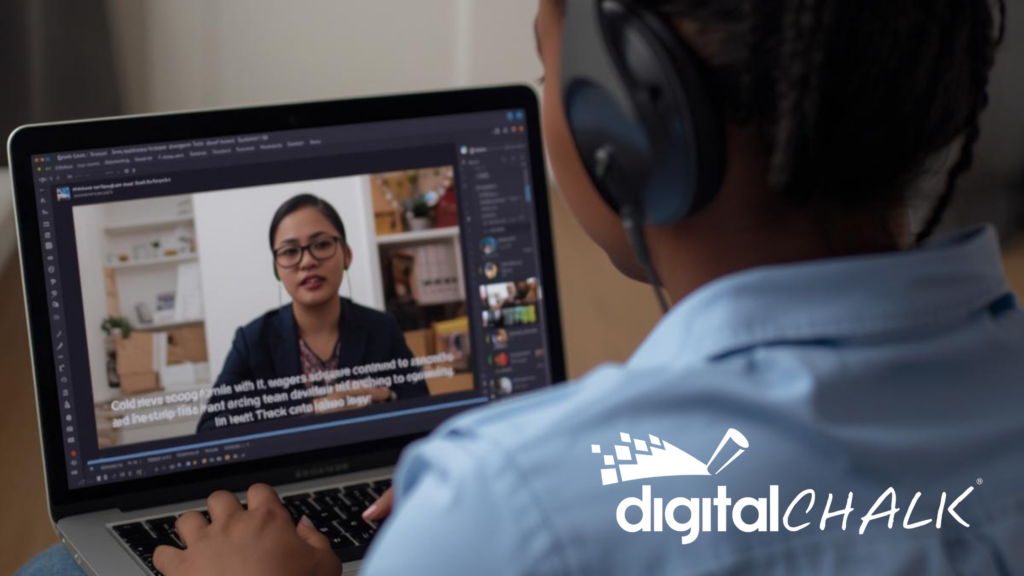
Accessible video is a foundational requirement in digital learning. DigitalChalk integrates with captioning services and supports multilingual captions. These capabilities support learners who are deaf or hard of hearing, as well as those learning in a second language.
Accessible Visual Design
DigitalChalk includes features that support accessible visual presentation, including:
- adjustable font sizes
- color contrast controls
- consistent interface structures
These elements reduce cognitive strain and improve usability for a wide range of learners.
AI-Assisted Content Creation
DigitalChalk uses AI and natural language processing to improve both efficiency and accessibility. AI Assist can generate course materials, quizzes, and structured content.
AI also supports search functionality and personalization, making content easier to navigate and consume.
Multilingual and Global Access
DigitalChalk supports localization and user language preferences, enabling organizations to deliver training across global teams.
Inclusive Design Improves Outcomes for All Learners
Accessible design benefits more than just users with disabilities – it improves the learning experience for everyone.
Research from Microsoft shows that inclusive design improves usability and engagement across all user groups, not just those with disabilities.
Examples include:
- Captions for noisy environments
- Transcripts for quick review
- Structured layouts that reduce cognitive overload
Organizations that adopt inclusive design often see improvements in engagement, retention, and completion rates.
AI Is Expanding Accessibility at Scale
AI is playing an increasingly important role in making accessibility more achievable.
Within DigitalChalk, AI capabilities include:
- Automated content generation
- Intelligent search
- Personalized learning paths
- Real-time analytics
These tools reduce the time required to build accessible content and help organizations scale training without sacrificing quality.
Measuring the Impact of Accessible eLearning
Accessible training programs deliver measurable business outcomes. According to Accenture, companies that prioritize accessibility and inclusion can achieve up to 28% higher revenue and 30% higher profit margins compared to peers.
DigitalChalk supports these outcomes through analytics, reporting, and automation that provide visibility into learner performance.
Accessibility Requires Both Technology and People
Technology alone cannot guarantee accessible learning.
Even with a fully compliant platform, accessibility can fail if content is not created correctly. This is one of the most common gaps in eLearning programs.
Successful organizations focus on:
- Selecting an accessible LMS
- Training content creators
- Implementing governance and review processes
Accessibility is a shared responsibility across teams – not just a platform feature.
Making Accessibility Work in Practice
Accessible eLearning is not a one-time initiative. It is an ongoing practice that combines thoughtful design, the right technology, and informed content creation.
DigitalChalk provides the foundation through:
- WCAG-aligned platform design
- Built-in accessibility features
- AI-powered tools
- Scalable course delivery
But the impact of those tools depends on how they are used.
When both platform and content align, accessibility becomes more than compliance – it becomes a competitive advantage in building inclusive, effective, and scalable training programs.
For detailed information on our accessibility options, view our conformance report (ACR) at https://trust.digitalchalk.com. Customers, and prospective customers may request it from there.