Zoom is Here to Stay: How to Lead Live Instructor-Led Training from Your Continuing Education LMS

It’s not a stretch to say that Zoom has taken over the business world and become the dominant player in video conferencing tools. According to Forbes, Zoom had 10 million daily participants in 2019, which, as we all know, was the pre-COVID-19 world. By 2020, that number ballooned to 300 million users. Even as we’ve […]
How to Win New Customers for Your Online Continuing Education Business

There are countless organizations that offer continuing education courses, testing, and certifications. And while they all do things a little differently to separate themselves from the competition, they have quite a few challenges in common. What would you imagine is their chief concern or challenge? Sciolytix recently conducted the industry’s first benchmarking survey, which delved […]
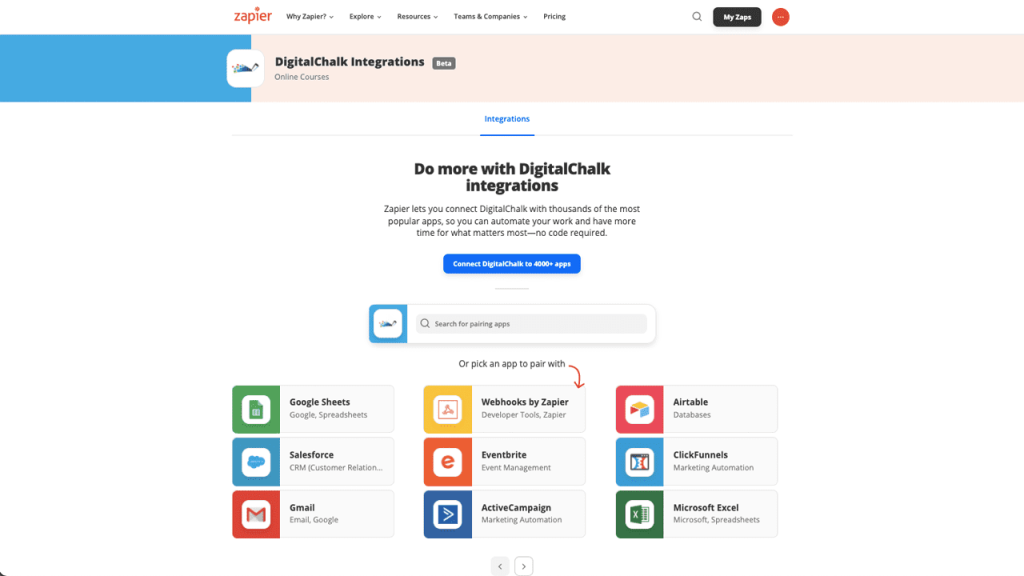
Setting Up Easy LMS Automations with Zapier
6 DigitalChalk Features and Their Best Practices
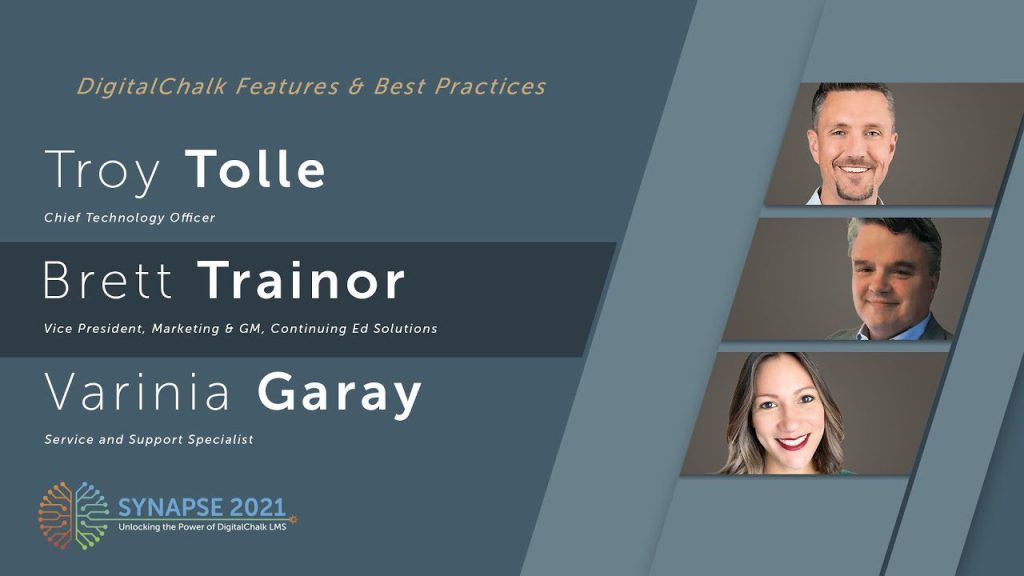
In case you haven’t heard this already, DigitalChalk offers a wide range of features and benefits. And the best part is that it’s a list that’s constantly growing and evolving. As part of our recent DigitalChalk User Conference, Chief Technology Officer Troy Tolle sat down with Vice President of Continuing Education Solutions Brett Trainor and Support Specialist […]
What is Micro-Learning?
Recently, we have been hearing the term “micro-learning” more often, especially in corporate environments. Micro-learning has quite a few benefits to the students and the instructors. Utilizing this teaching style can provide the materials, without overwhelming the student. Micro-learning is learning in smaller segments and goes hand in hand with traditional eLearning. Activities include short-term […]
12 eLearning Audio and Video Tools
When creating an online course, you often need to capture a live video, audio, or screen recording. We’ve narrowed it down to 12 great eLearning audio and video tools to help you get started easily. iMovie iMovie allows you to turn your home video into your favorite film with just a few clicks. Fine-tune every […]
Converting PowerPoint Presentations to a Chalkboard (for Mac Users)
Now that we’ve created a guide for Windows users to convert PowerPoint presentations to a chalkboard element, it’s time to create a guide for Mac users. How to Save Your PowerPoint Presentation The suggested image size is 640 x 480, this will ensure the best quality on the DigitalChalk platform. It’s an easy process to […]
Converting PowerPoint Presentations to a Chalkboard (for Windows Users)
PowerPoint presentations are one of the most common ways to deliver eLearning content on learning management systems (LMS). Often times, they are set up for the student to click through each slide manually rather than viewing an automated presentation. The DigitalChalk chalkboard element allows you to upload PowerPoint presentations to our system and then synch […]
The Raptivity User Interface: Before and After
Raptivity is a flexible, interactive course-building tool with 180+ customizable eLearning templates. Recently, they released the newest version of their software (Raptivity v7.6), featuring a whole new user interface. Considerably different than the previous version, take a look at these new improvements. 1. When you immediately open the Raptivity software, you now see a dashboard […]
How To: Create an Interactive Presentation with Raptivity
Raptivity is a flexible, interactive course-building tool with 180+ customizable eLearning templates. In this tutorial, we will show you how to select and edit an interactive template of your choice. 1. Open Raptivity and select “New Interactivity”. 2. Select an eLearning template of your choice. For this example, we chose “Multiple Selections” within the Standard Pack […]